
The United Kingdom continues its shift from physical immigration documents to digital eVisa, with UK Visas and Immigration (UKVI) recently outlining clear steps for visa holders, including Nigerians, to create a UKVI account, verify identity, and access their electronic immigration status.
An eVisa is a secure digital record of your identity, immigration status (such as the type of visa or indefinite leave to remain), and any conditions attached.
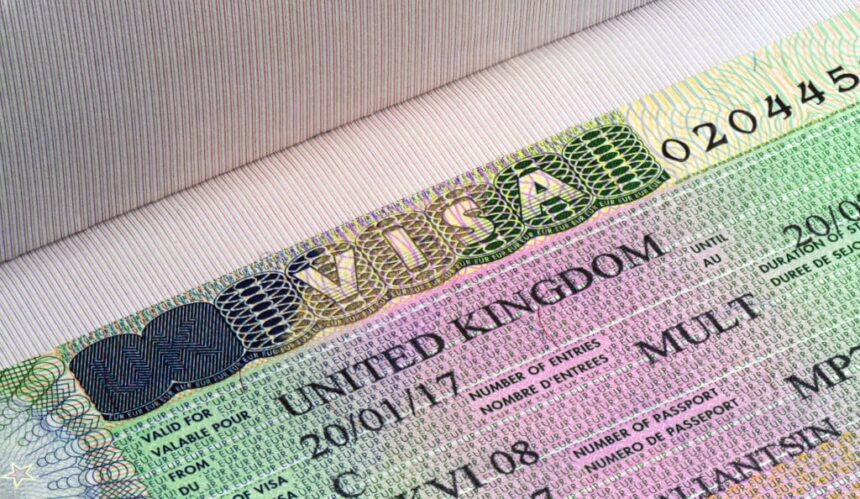
It replaces physical documents like biometric residence permits (BRPs), vignette stickers in passports, and other endorsements.
Successful applicants for UK visas or permission to stay generally receive an eVisa. Access is free, and once linked, most people can view it immediately or within 24 hours.
This digital system aims to improve security (eVisas cannot be lost, stolen, or tampered with), speed up processes (passports often returned same day where no vignette is needed), and make status easier to manage and prove online.
How to apply for and access a UK eVisa
1. Apply for a UK visa
Applicants are required to apply for a UK visa online through the official government website, GOV.UK.
They may also be required to provide their biometric information and prove their identity at a Visa Application Centre, depending on their application.
2. Wait for a decision
After submitting an application, applicants will receive an email notification when a decision has been made.
UK Visas and Immigration advised applicants to check their junk or spam email folders to avoid missing the notification.
3. Create a UKVI account
Once a visa application is successful, applicants should create a UKVI account through the official eVisa portal at gov.uk/evisa.
They are required to complete the online steps, after which the system will confirm that their account has been successfully created.
4. Verify identity and link the account
Applicants should sign in to their UKVI accounts and confirm their identity using the UK Immigration: ID Check app.
They must also link their UKVI accounts to their eVisas to enable access to their digital immigration records.
5. View the eVisa
Once the eVisa is ready, applicants will receive an email notification informing them that it can be viewed online.
UK Visas and Immigration advised users to check that all the information on their eVisas is correct before travelling.
Is there a fee to access a UK eVisa?
The UK government said users “do not need to pay to set up a UKVI account or access your eVisa”.
It added that users whose eVisas have been linked to their UKVI accounts would “usually be able to access your eVisa straight away”, although the process could take up to 24 hours.
How can eVisa holders use their digital status?
According to the UK government, eVisa holders can “view your eVisa and get a share code to prove your immigration status” when required, including when starting a new job or renting accommodation.
Travellers can also use their eVisas when travelling, provided they have added their passport or travel document details to their UKVI accounts.
The government noted that although eVisas have replaced physical immigration documents, some holders of biometric residence cards may still be able to use them in certain situations.
It also clarified that existing visa vignettes, which are visa stickers placed in passports, remain valid until their expiry dates.